What exists
A built review dashboard holds lead records, public context, example links, draft checks, and approval status together. The input is a prepared record; the next consequential action remains a human decision.
Three evidence-led examples: the problem, what exists, the review path, and the limits. Diagrams explain the builds; they are not screenshots or measured client results.
Notes, example links, drafts, and approval decisions become difficult to inspect when they live in different places.
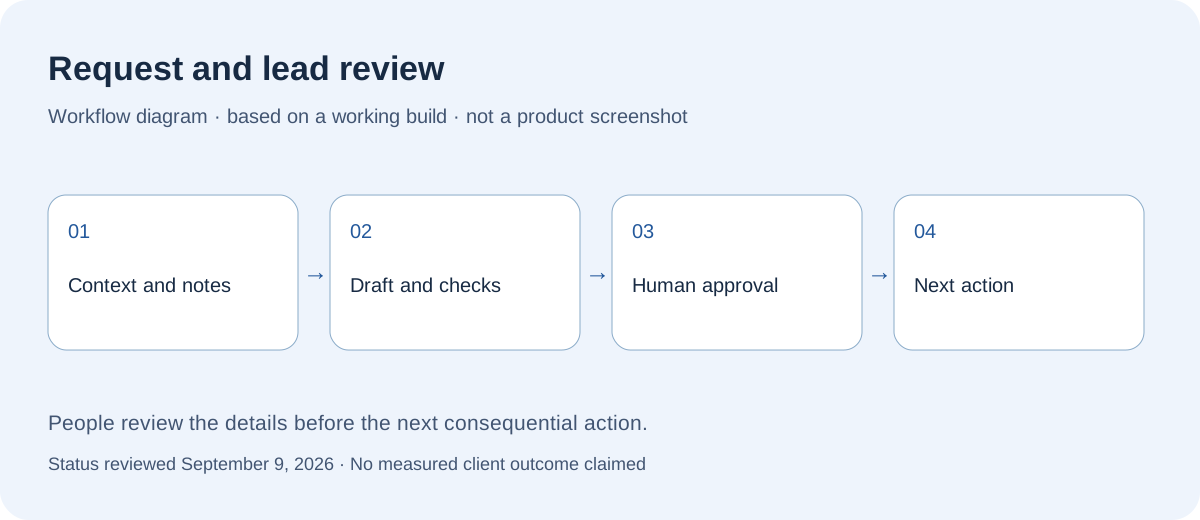
A built review dashboard holds lead records, public context, example links, draft checks, and approval status together. The input is a prepared record; the next consequential action remains a human decision.
A single review path can make the basis for a decision visible before action.
This is not proof of automatic inbound capture, end-to-end delivery, increased sales, or a deployed local-trades client system.
Re-entering document details and checking time-and-rate calculations creates repeated work and opportunities for mistakes.
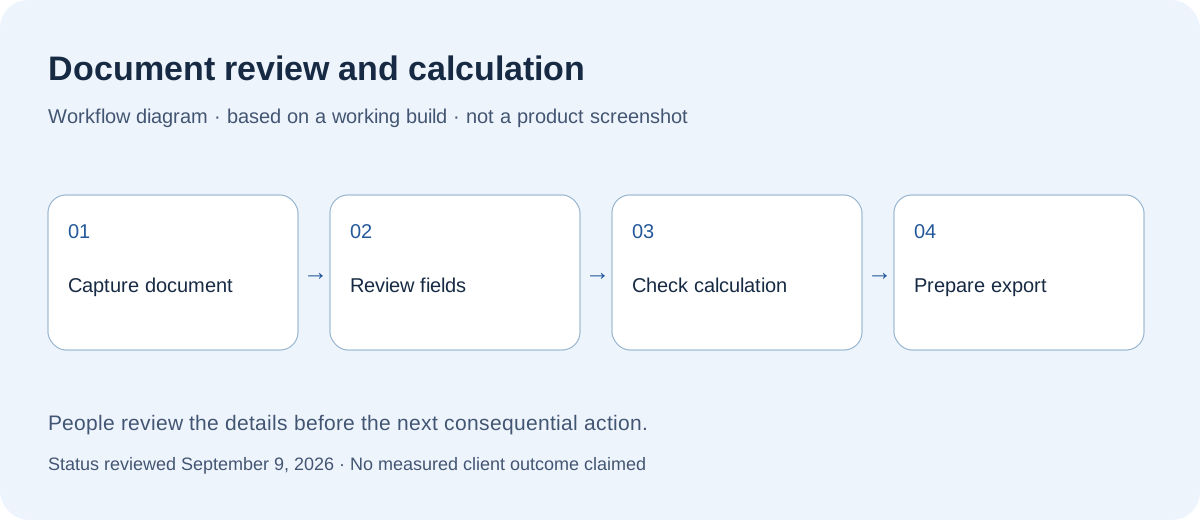
The tool supports document capture, editable values, time-and-rate calculations, and output preparation. Defined rule cases have regression checks; source comparison and final approval remain human tasks.
Source documents can feed a reviewable calculation workflow without treating extracted text as unquestionable fact.
Extraction can be wrong, and exceptional terms require review. No universal calculation accuracy, payroll certification, or measured time saving is claimed.
Daily time entry, corrections, approval status, and reporting handoff need to fit the working day and different review roles.
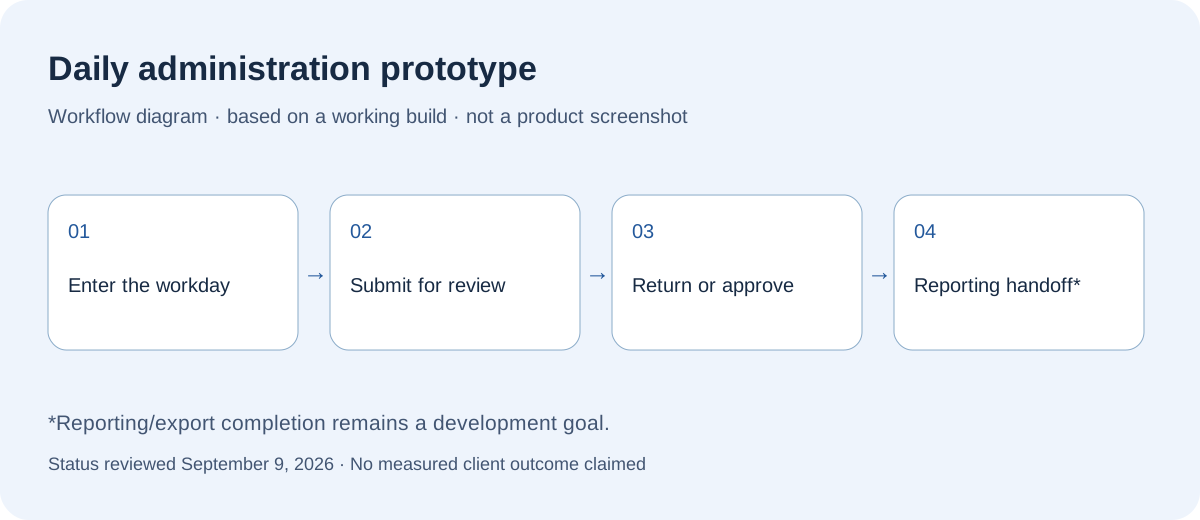
A working prototype includes time records, signatures, review states, and a role-specific overview. The demonstration uses fictional records. Wider reporting/export completion and production rollout remain distinct work.
Custom software can model the actual entry, exception, and approval path while keeping future scope separate.
The demonstrated review flow is not evidence of a completed rollout or verified accounting export. No customer adoption or measured outcome is claimed.
Bring the handoff, queue, or document process that keeps slowing the team down.
Talk through a workflow